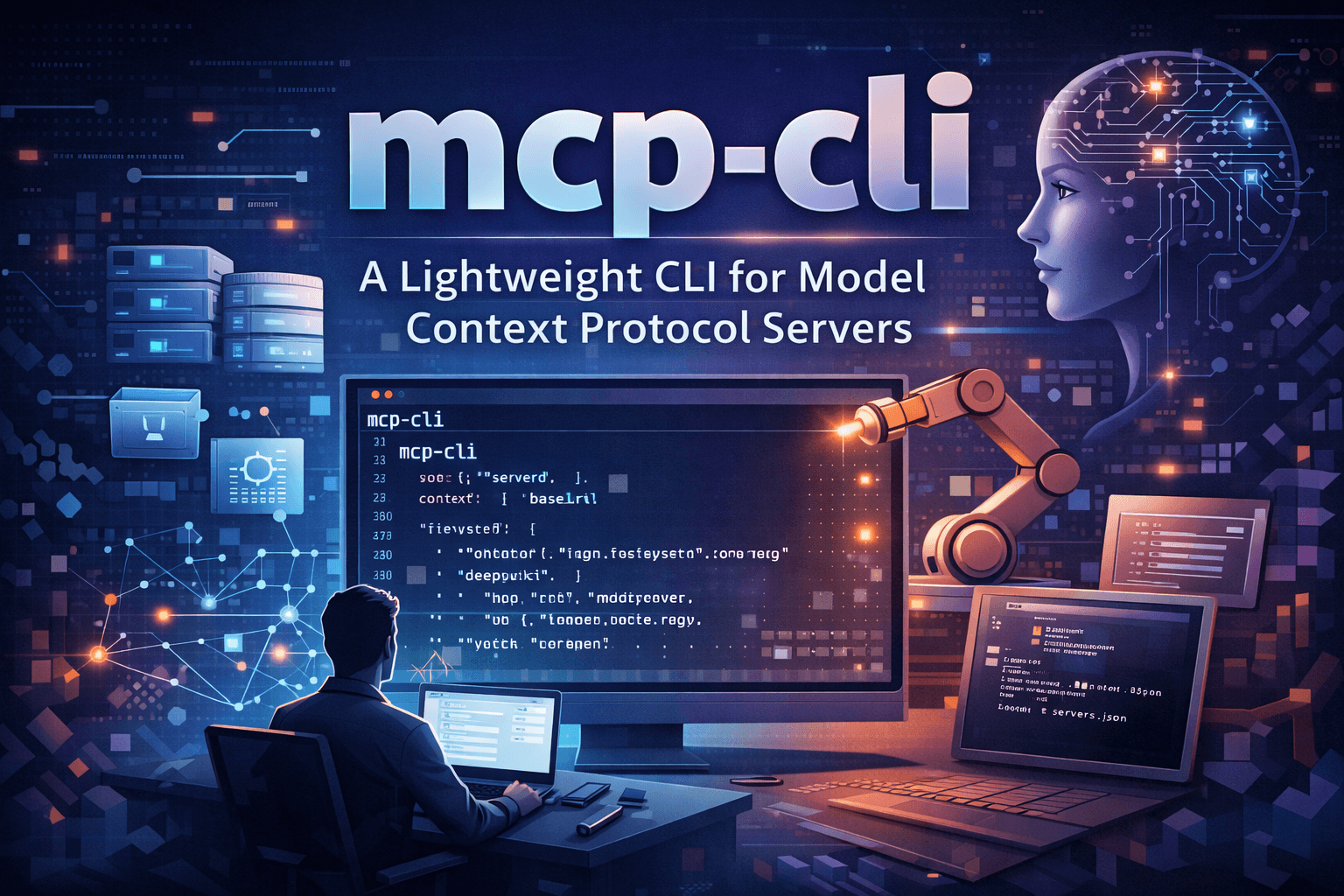
The AI agent ecosystem is rapidly evolving. With agents connecting to external tools, APIs, and data sources, a key challenge has emerged: keeping context windows manageable while still enabling powerful interactions. That’s where mcp-cli comes in — a lightweight command-line interface designed to streamline how developers and AI agents interact with MCP (Model Context Protocol) servers.
What is the Model Context Protocol (MCP)?
Before diving into mcp-cli, it helps to understand MCP itself. The Model Context Protocol is an open standard that facilitates seamless interaction between AI agents and external tools or services (like GitHub, filesystems, databases) by exposing structured tool definitions, resources, and prompts. It’s becoming a foundation for building agent-driven workflows without over-bloated context windows.
Enter mcp-cli
mcp-cli is a minimal, efficient CLI tool built with Bun that lets you dynamically discover and interact with MCP servers from the terminal. Its purpose is simple but impactful: give developers and AI coding agents a fast, intuitive way to inspect tools, fetch schemas, and execute actions without loading all definitions upfront.
Why It Matters
When using MCP servers in traditional static mode, agents must load all tool definitions before running anything — which can quickly consume valuable context space. This approach can:
- Drastically reduce effective context window for reasoning and model logic
- Increase costs by bloating token usage
- Limit the number of simultaneously usable servers
mcp-cli solves this with dynamic discovery — only pulling in definitions when needed, drastically reducing token usage and improving efficiency. For example, a setup with multiple servers and tools that would traditionally consume ~47,000 tokens can be reduced to ~400 tokens using dynamic discovery.
Key Features
- Lightweight & Fast: Built with Bun, compiles to a standalone binary for minimal overhead.
- Dynamic Discovery: Only loads tool definitions when necessary, keeping interactions lean.
- Tool Inspection: List available servers and tool schemas directly from the terminal.
- Agent-Friendly: Designed with AI coding agents in mind (e.g., Gemini CLI, Claude Code).
- JSON Output: Ideal for scripting and integration with tools like
jq.
Getting Started
Installation
You can install mcp-cli quickly via a script or using Bun:
# Install via script
curl -fsSL https://raw.githubusercontent.com/philschmid/mcp-cli/main/install.sh | bash
# Or install globally with Bun
bun install -g [https://github.com/philschmid/mcp-cli](https://github.com/philschmid/mcp-cli)
Create a configuration file (e.g., mcp_servers.json) listing the servers you want to connect to:
{
  "mcpServers": {
    "filesystem": {
      "command": "npx",
      "args": [        "-y",
        "@modelcontextprotocol/server-filesystem",
        "."
      ]
    },
    "deepwiki": {
      "url": "https://mcp.deepwiki.com/mcp"
    }
  }
}
Discovery & Usage
- List servers and tools:
mcp-cli
- Show descriptions:
mcp-cli -d
- View tool schema:
mcp-cli filesystem/read_file
- Execute a tool:
mcp-cli filesystem/read_file '{"path": "./README.md"}'
The CLI also supports advanced commands like grep for searching tools by pattern, and JSON output for scripting workflows.
Why This Matters for AI Development
mcp-cli is more than just a utility — it represents a shift toward more efficient, scalable agent workflows. Instead of burdening AI models with massive static contexts, developers can tap into tools on demand and build more interactive, responsive agent systems.
Whether you’re:
- Building agent-driven automation
- Developing AI tooling integrations
- Optimizing token costs for large models
mcp-cli offers a clean, practical tool to supercharge your MCP workflows.